Download QuixiCloud for Every Device

Bring your automated, zero-knowledge cloud storage ecosystem directly to your favorite devices and operating systems. Sync, backup, and access on the go.
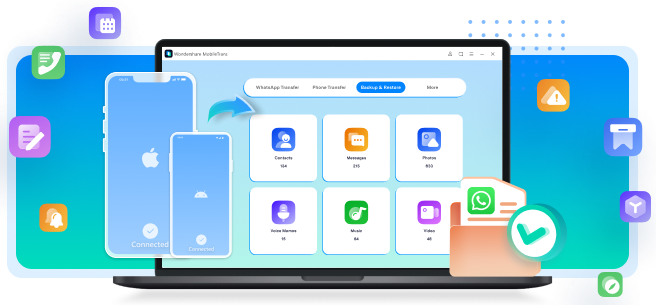
QuixiCloud Mobile and Desktop Apps
Android
QuixiCloud Sync: Auto Backup

The official companion app for mobile storage. Move beyond manual file hosting with a true "set-it-and-forget-it" automated backup engine. Protect your photos in real-time.

Get on Google Play
Windows
QuixiCloud Desktop Sync

Integrate secure cloud storage straight into File Explorer. Experience on-demand file access similar to OneDrive, allowing you to stream large files without exhausting hard drive space.

Get from Microsoft Store
Soon
iOS
QuixiCloud Mobile Drive

Access your securely encrypted digital vault directly from your iPhone or iPad. Seamlessly back up your camera roll, stream high-definition videos instantly from the cloud.

Coming Soon
Soon
macOS
QuixiCloud Mac Sync Engine

A high-performance file synchronization app engineered specifically for Apple Silicon and Intel Macs. Mount your secure cloud storage natively inside Finder.

Coming Soon
PlatformStatusFeatures
Android✅ AvailableAuto Backup, Background Sync
Windows✅ AvailableDesktop Sync, On-Demand Files
macOS⏳ Coming SoonFinder Integration
iPhone & iPad⏳ Coming SoonCamera Backup

Why Install the QuixiCloud App?

  • Automatic photo & video backup
  • Background synchronization
  • End-to-end encryption
  • Access files anywhere
  • Sync across all devices
  • Fast uploads and downloads

Android App Features

Camera BackupFolder BackupBackground SyncWi-Fi Only UploadsCharging Only UploadsFile Recovery

See It In Action

Experience seamless cloud storage across your devices.

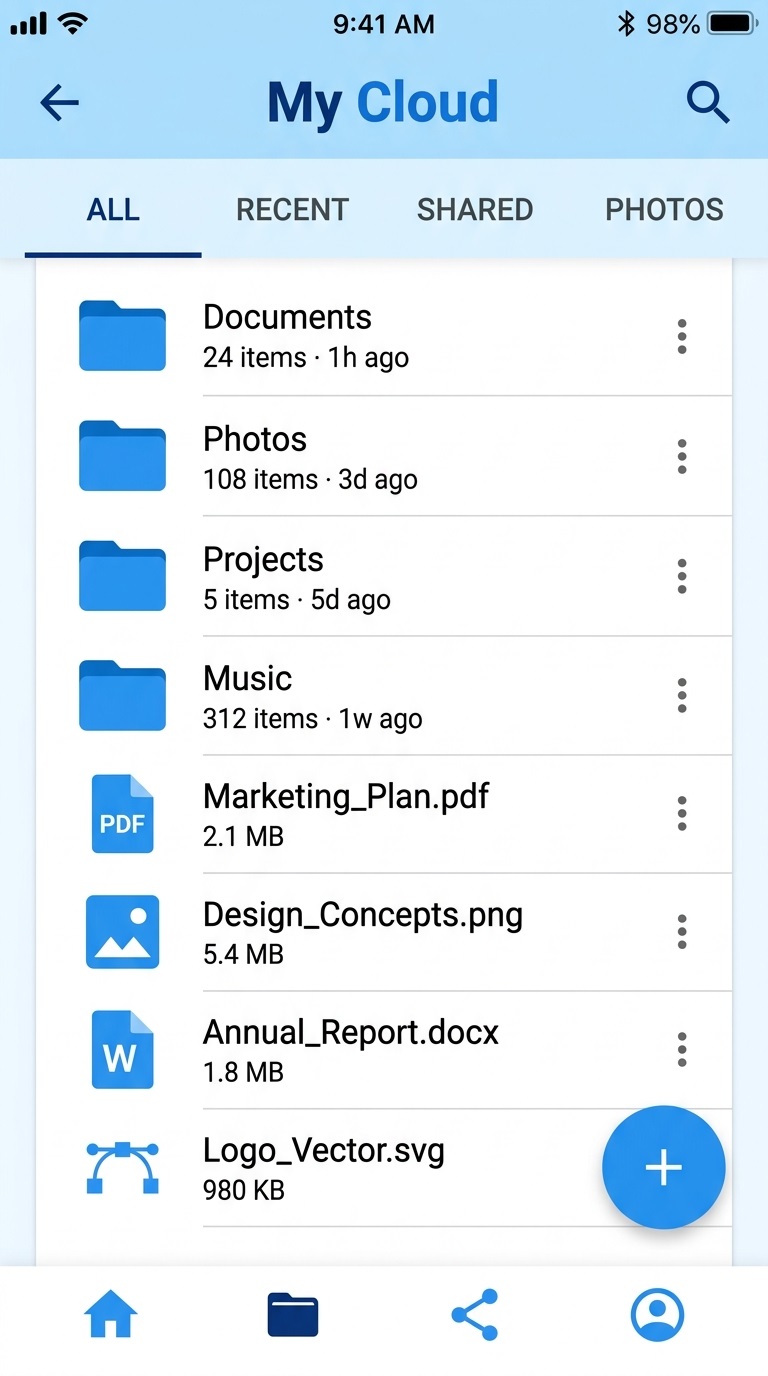
Login Screen

Login Screen

Backup Settings

Backup Settings

File Browser

File Browser

Upload Progress

Upload Progress

Settings

Settings

Sync Status

Sync Status

One Account. Every Device.

Your files stay perfectly synchronized across Android, Windows, macOS, iPhone, and your web browser. Start a project on your desktop and finish it on your phone—QuixiCloud keeps everything up to date, automatically.

Android
Windows
macOS
iPhone
Web Browser

System Requirements

  • AndroidAndroid 10+
  • WindowsWindows 10 / 11
  • macOSmacOS 12+ (Intel & Apple Silicon)
  • iPhone & iPadiOS / iPadOS 15+

App Capabilities

Automatic Backup

End-to-End Encryption

Offline Access

File Sharing

Cross-Platform Sync

Version History

Background Uploads

Large File Support

Automatic Backup

End-to-End Encryption

Offline Access

File Sharing

Cross-Platform Sync

Version History

Background Uploads

Large File Support

Frequently Asked Questions

You can download the Android app directly from the Google Play Store, and the Windows app from the Microsoft Store. macOS and iOS apps will be available in their respective app stores once released.
Yes, the QuixiCloud Android app is completely free to download and use with your QuixiCloud account.
Yes, our mobile app supports seamless automatic backup of your photos, videos, and selected folders in the background.
Yes, you can configure the app's folder backup settings to automatically back up your WhatsApp images and videos.
Yes, QuixiCloud features a true 'set-it-and-forget-it' background synchronization engine, ensuring your files are backed up without keeping the app open.
The QuixiCloud app supports Android 10 and above.
The Windows app is currently in development and will be available soon in the Microsoft Store. It will feature File Explorer integration and on-demand sync.
Yes, the iOS app for iPhone and iPad is currently under development and will be released on the Apple App Store soon.
Yes, the upcoming desktop apps will feature on-demand files, allowing you to access your entire cloud drive without taking up hard drive space.
Absolutely! Your QuixiCloud account can be accessed across all supported devices simultaneously, keeping your files in sync everywhere.

Start with 10GB Free Storage

Download the QuixiCloud app today and securely store, sync, back up, and share your files across all your devices.

Get StartedView Pricing