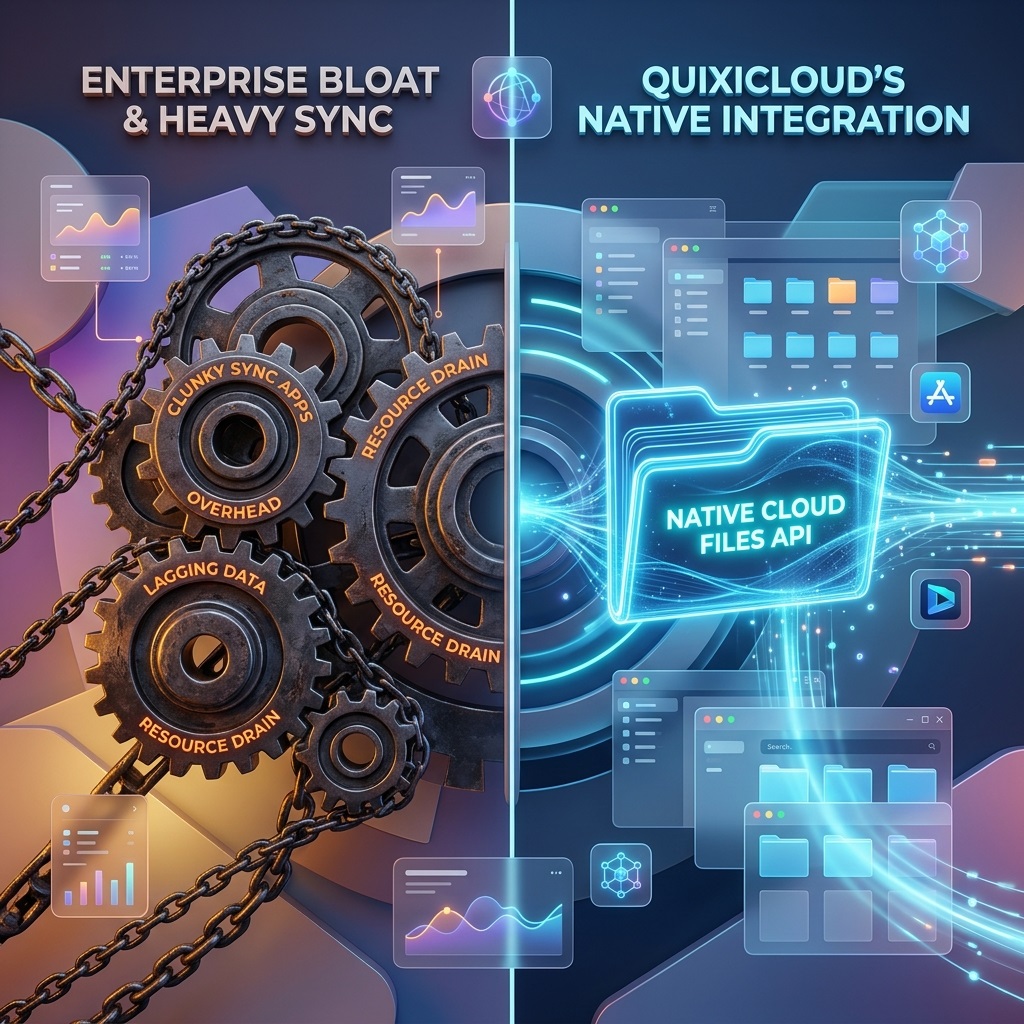
Heavy Sync Apps vs. True OS Integration
Microsoft OneDrive comes heavily integrated into Windows, but its desktop client frequently bogs down system resources with intensive background indexing and synchronization tasks.
QuixiCloud’s Windows Desktop Sync client is built natively on the modern Windows Cloud Files API. Instead of running a heavy third-party background process, it injects native placeholder files directly into Windows Explorer. You can browse terabytes of data with zero local footprint, and files are only pulled down seamlessly from the cloud when you double-click to open them.
Feature Access: True Flat Plan vs. Ecosystem Lock-in
To get the most out of OneDrive, Microsoft forces you into an Office 365 ecosystem subscription. If you just want secure, high-speed storage without paying for office software you don't use, the options are severely limited.
QuixiCloud's single-tier format gives you raw, uncompromised storage performance, high-speed file transfers, and secure sharing protocols without tying you down to an enterprise software bundle.
Power User Flexibility: WebDAV & Automation
OneDrive makes it incredibly difficult to connect third-party backup tools, network-attached storage (NAS) devices, or custom automation scripts.
QuixiCloud embraces open standards by offering robust, native WebDAV integration. Users can generate secure 26-character WebDAV App Passwords directly from their dashboard to mount their cloud storage as a local drive on any platform or feed it directly into custom backup automation workflows.